How to edit / upload / delete files
- Login to your console https://console.vangus.ai
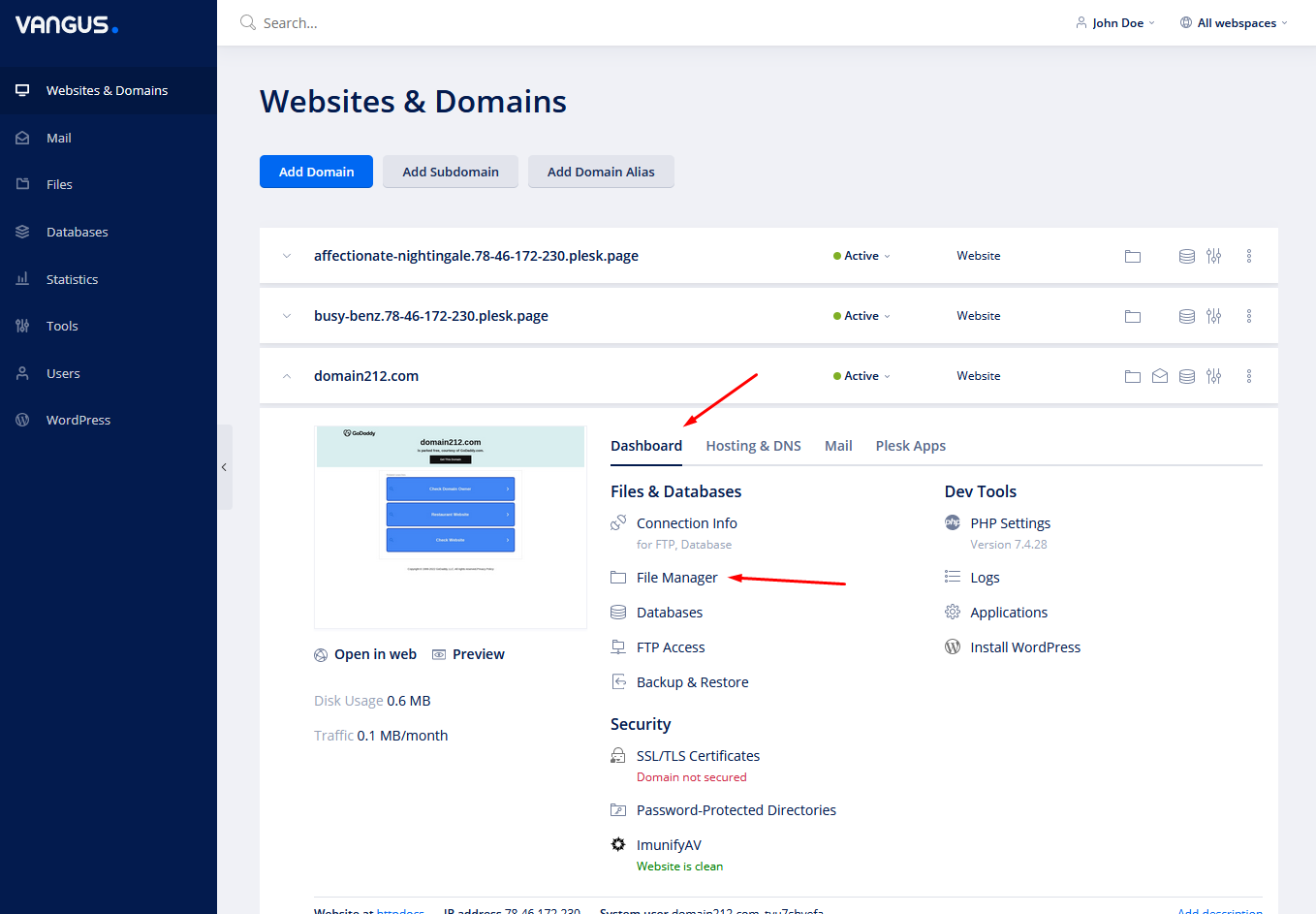
- Click on Manage
- Under your desired domain, click on Dashboard and File Manager
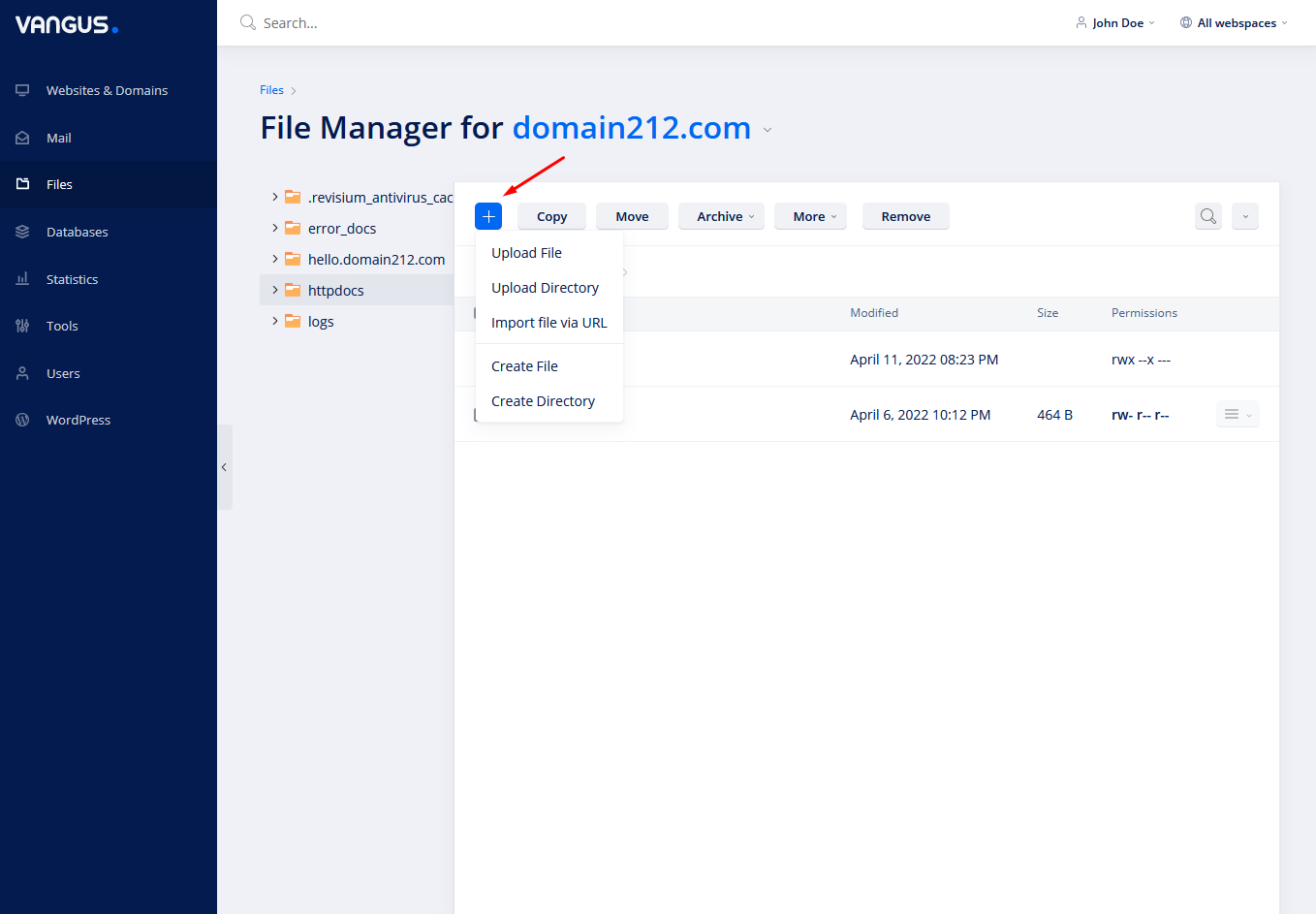
- Click on the + button to-
– Upload File: Upload a single file from your computer.
– Upload Directory: Upload a directory from your computer.
– Import file via URL: Import a file from a url that allows downloading. Example: https://otherdomain.com/file.zip
– Create File: Create a file of your choice. Example: index.php, name.html etc.
– Create Directory: Create a directory. Example: includes
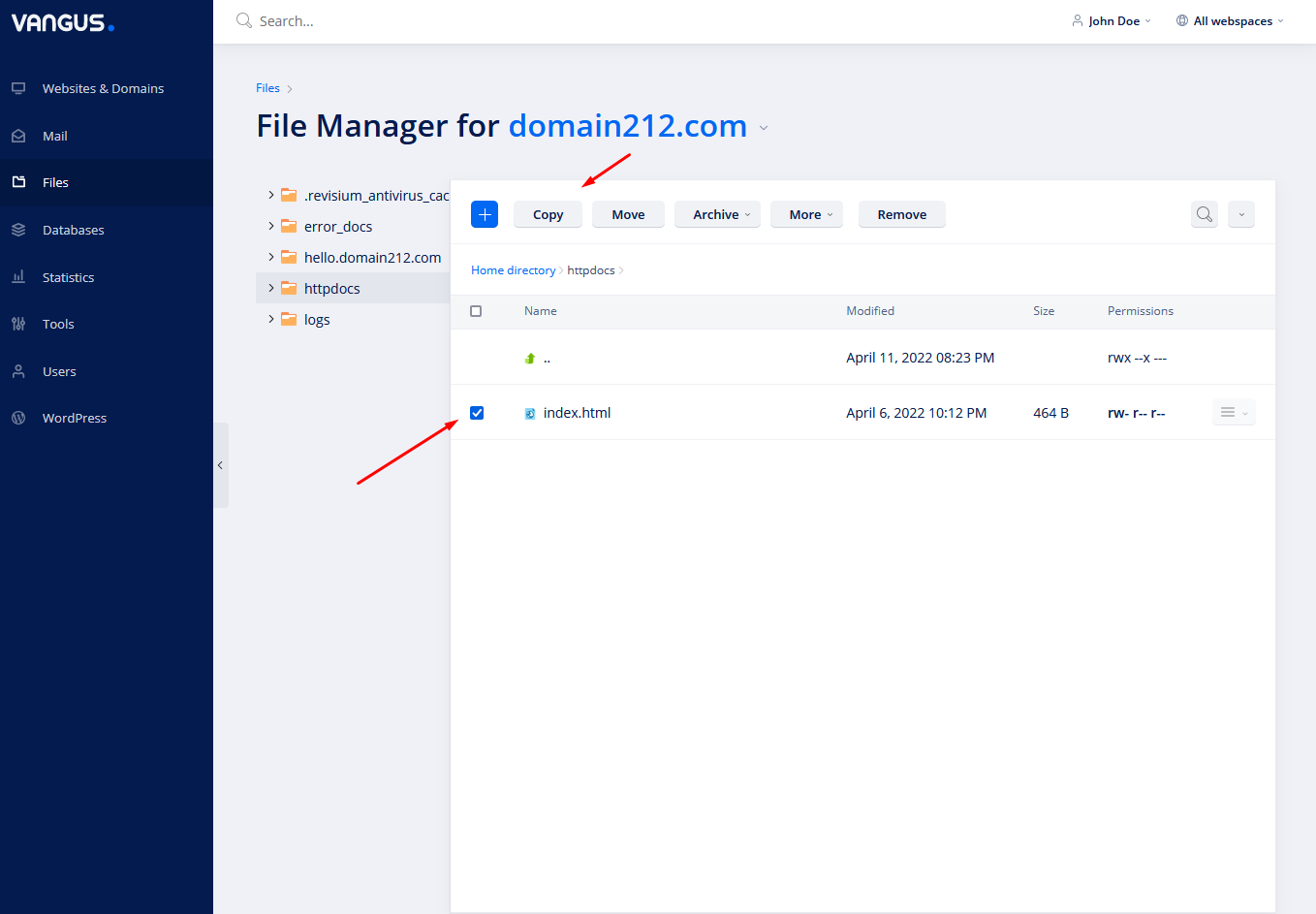
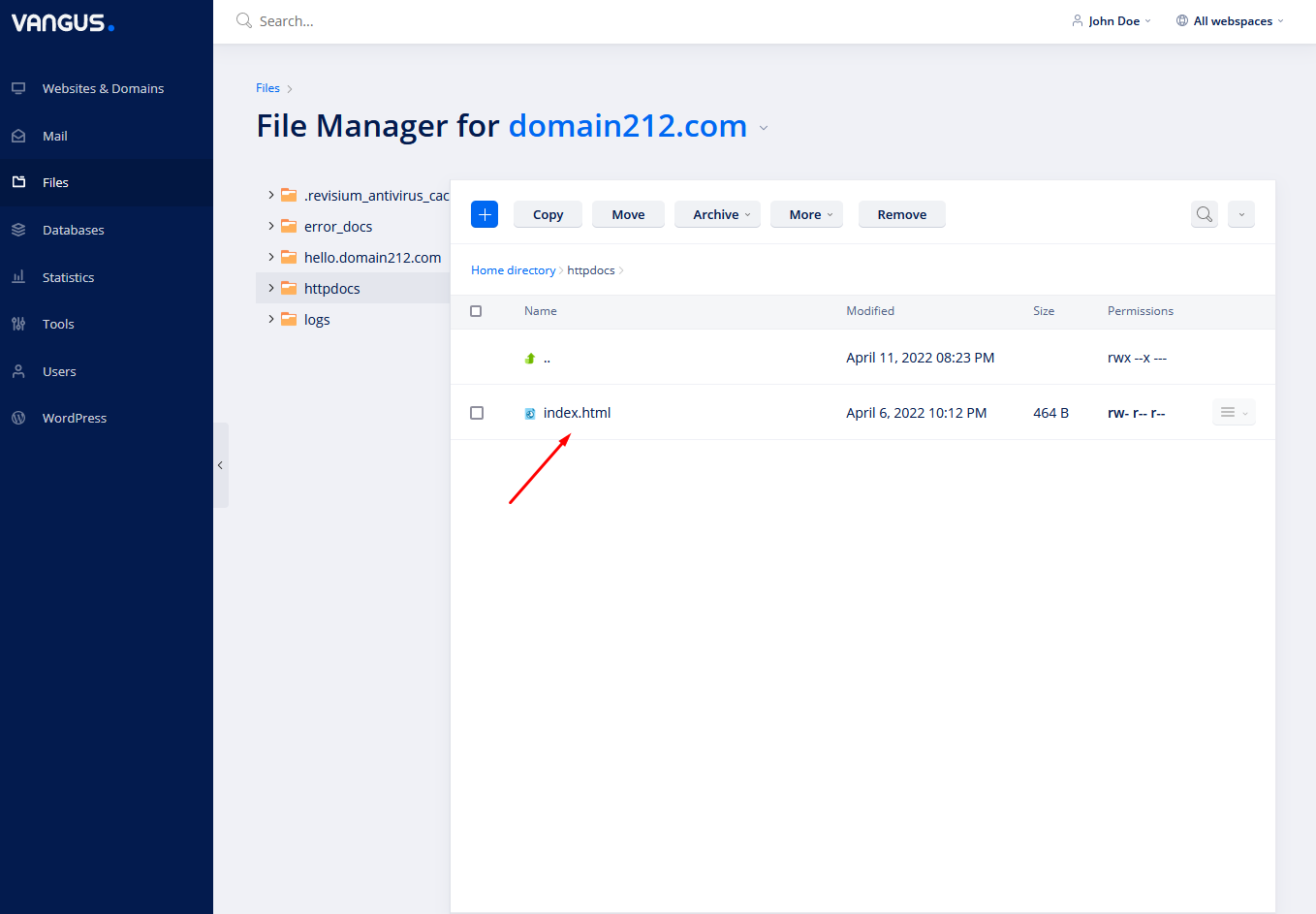
- Select file/files and click Copy in order to copy these into another path.
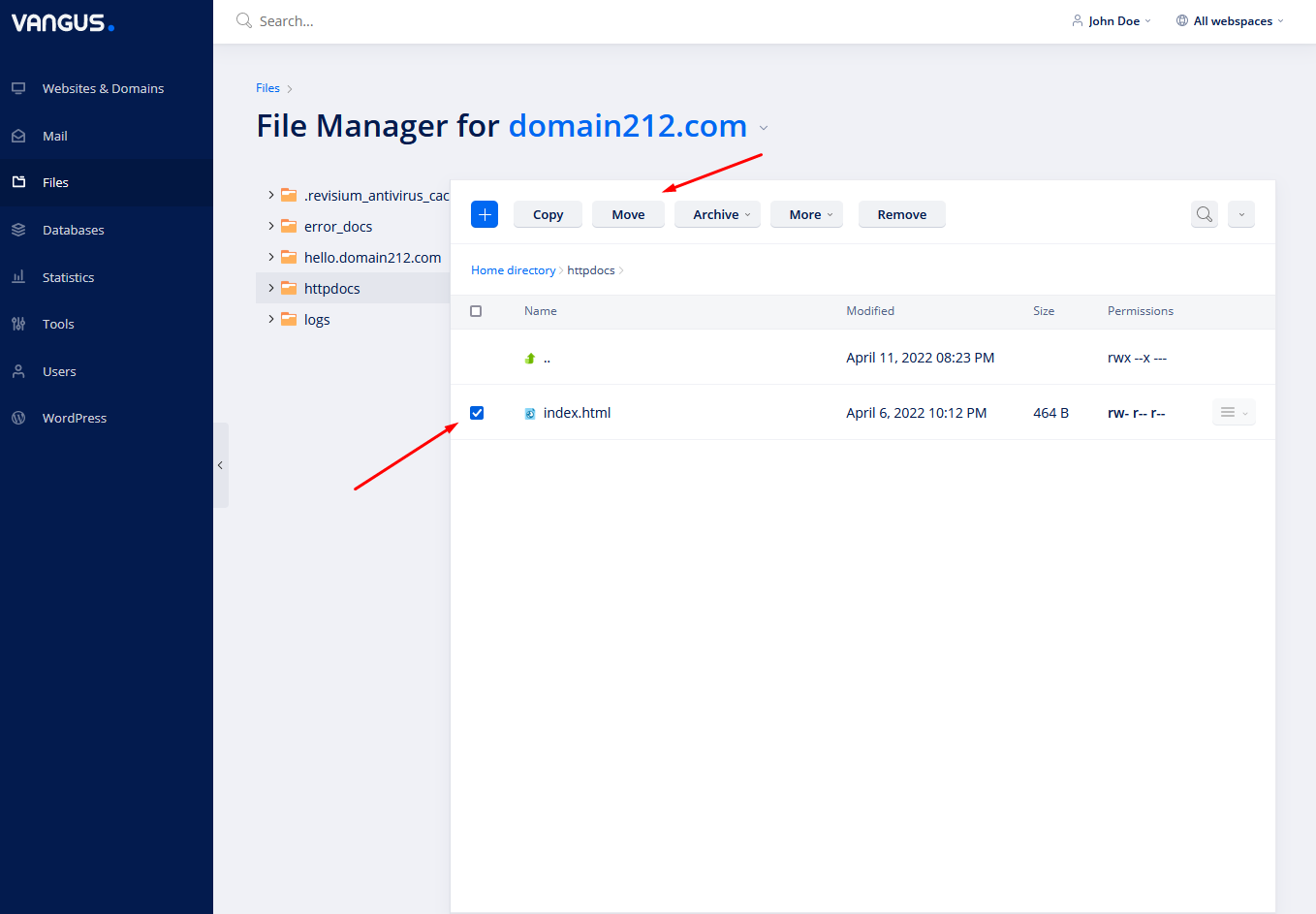
- Select file/files and click Move in order to copy these into another path.
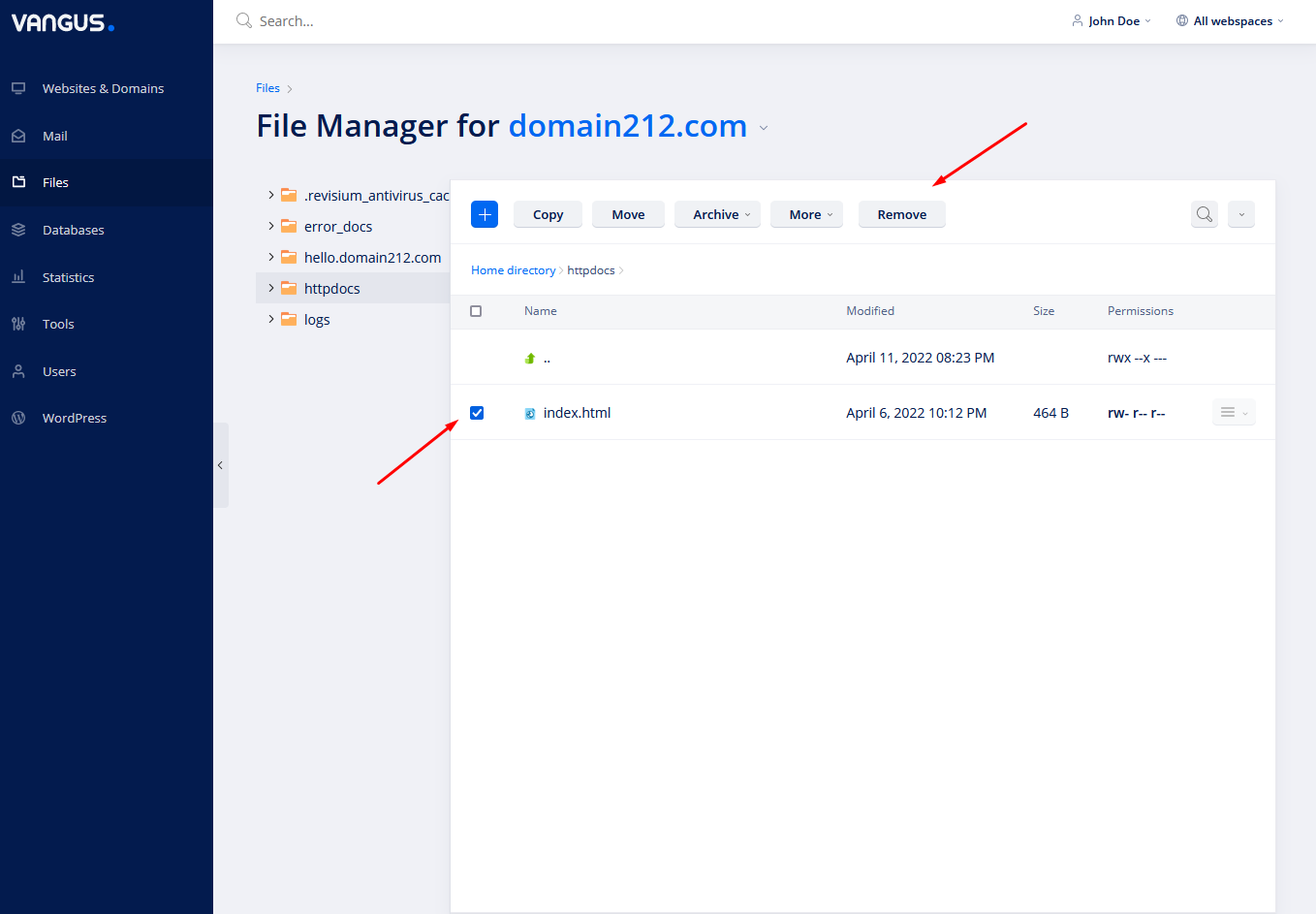
- Select file/files and click Remove in order to delete the selected files/folders.
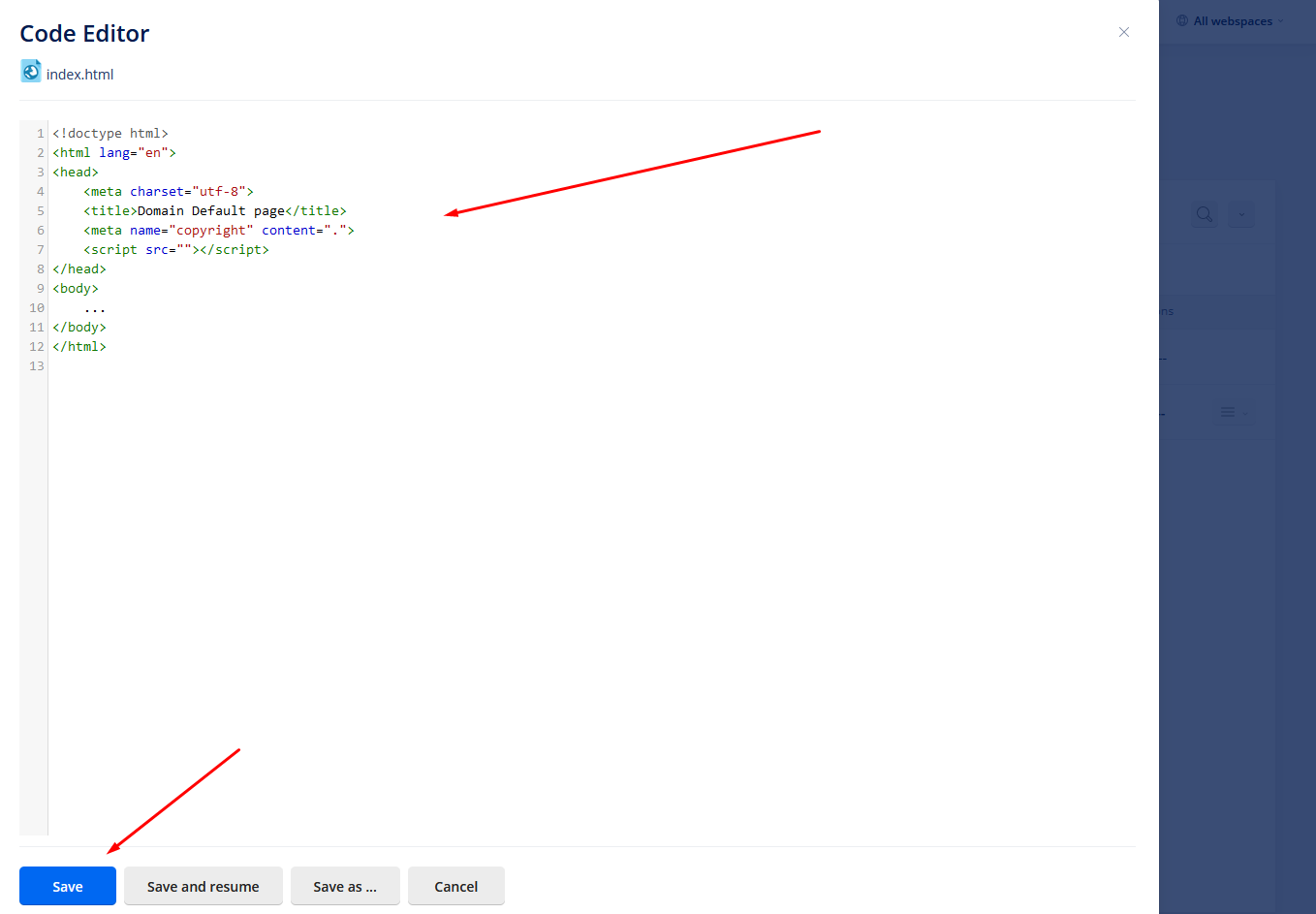
- Click on the desired file in order to edit its content
Edit and click Save