How to add a temporary domain
- Login to your console https://console.vangus.ai
- Click on Manage
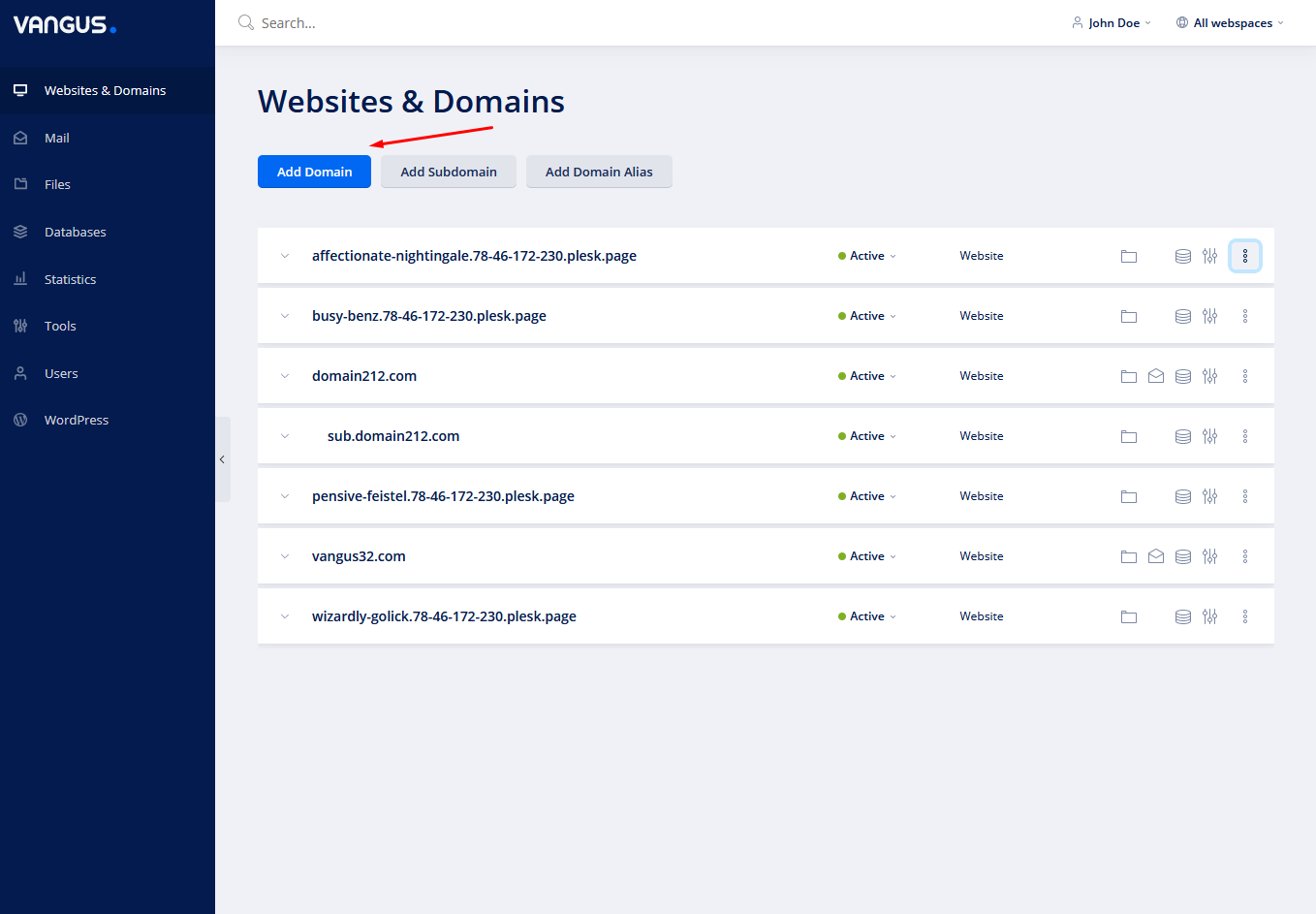
- Click on Add Domain
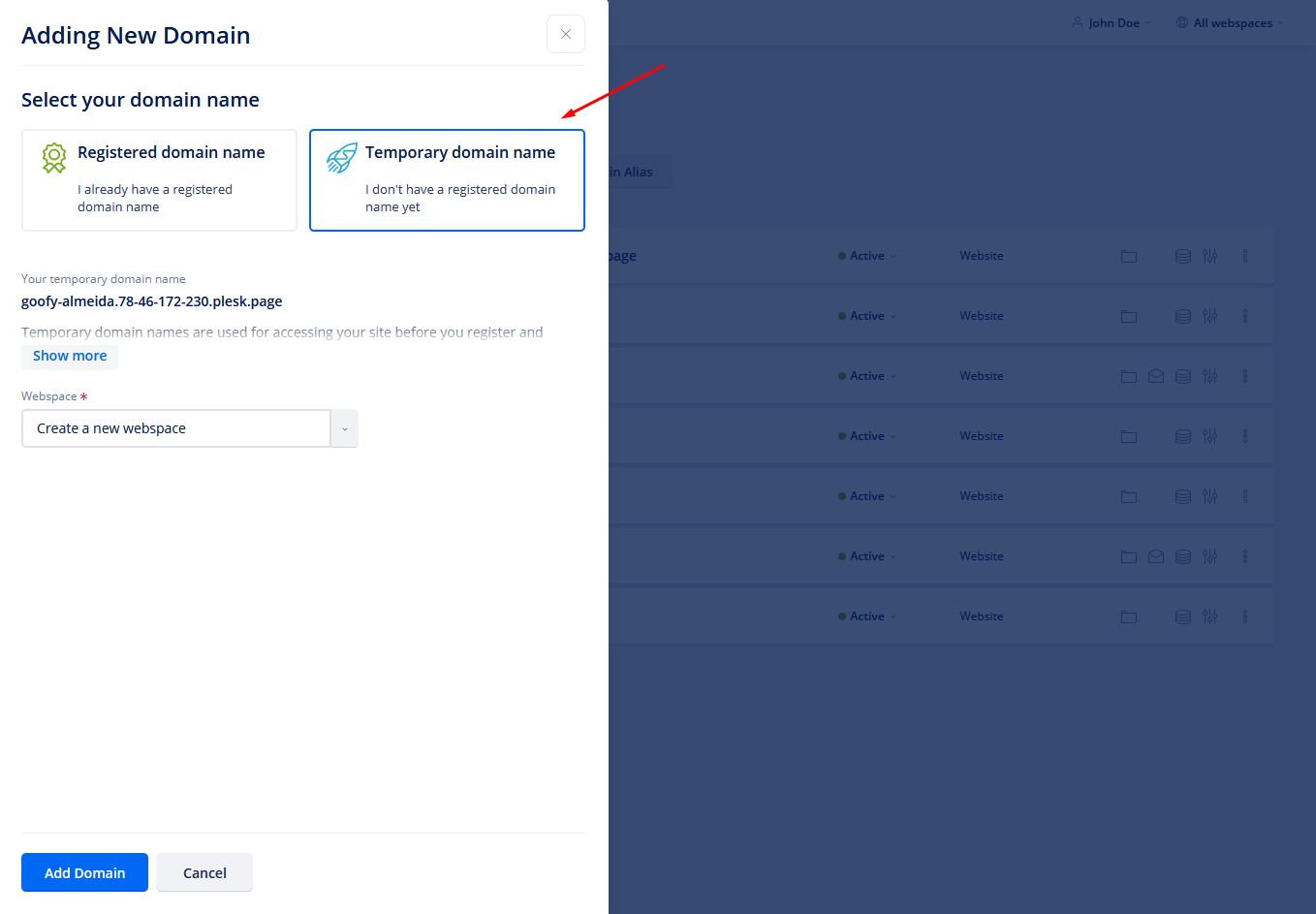
- Choose Temporary domain name

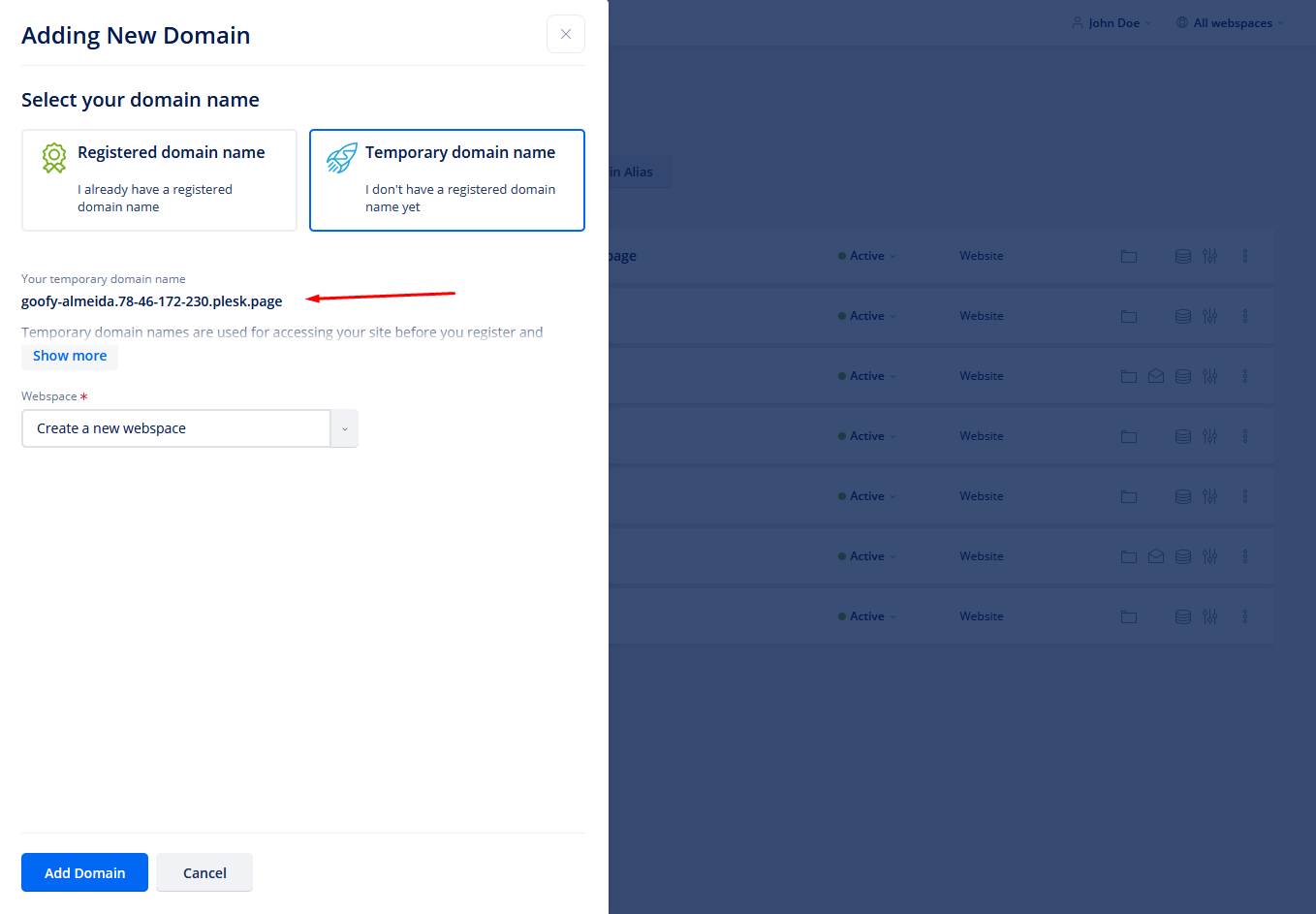
- Let the system generate you a temporary domain
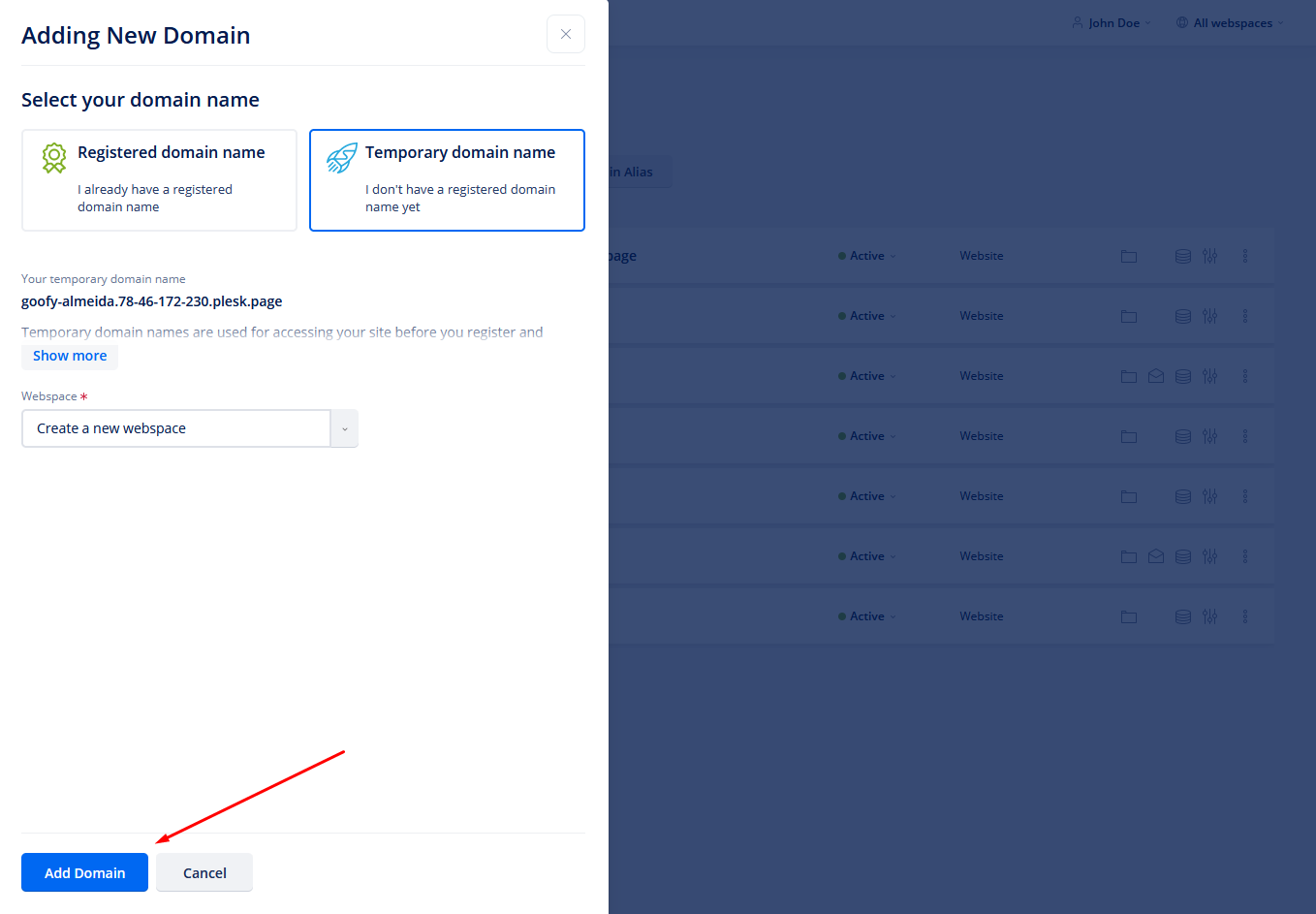
Note: You can’t choose a temporary domain. - Click on Add domain at the bottom
- Now the system will create the temporary domain and install an SSL for you.